
Stop categorizing
purchase by purchase.
Upload your bills or bank statements as PDF or CSV. Acetate categorizes your spending automatically.
Join the beta waitlistFrom statements to categories: a look at the experience we’re building for the beta.
What we’re building
See where your money went. And what still fits this month.
Upload your bill or statement.
PDF or CSV, right in your conversation with Acetate.
Acetate categorizes it.
In the video, “FRM*STDO” becomes “Health & fitness”.
Understand what’s left.
See totals by category and estimate what’s left, considering income, bills and installments.
How much went to restaurants this month?
See that category’s spending together, without finding each purchase on your statement.
Does an installment plan end next month?
See how finishing those payments could change what’s left in your budget.
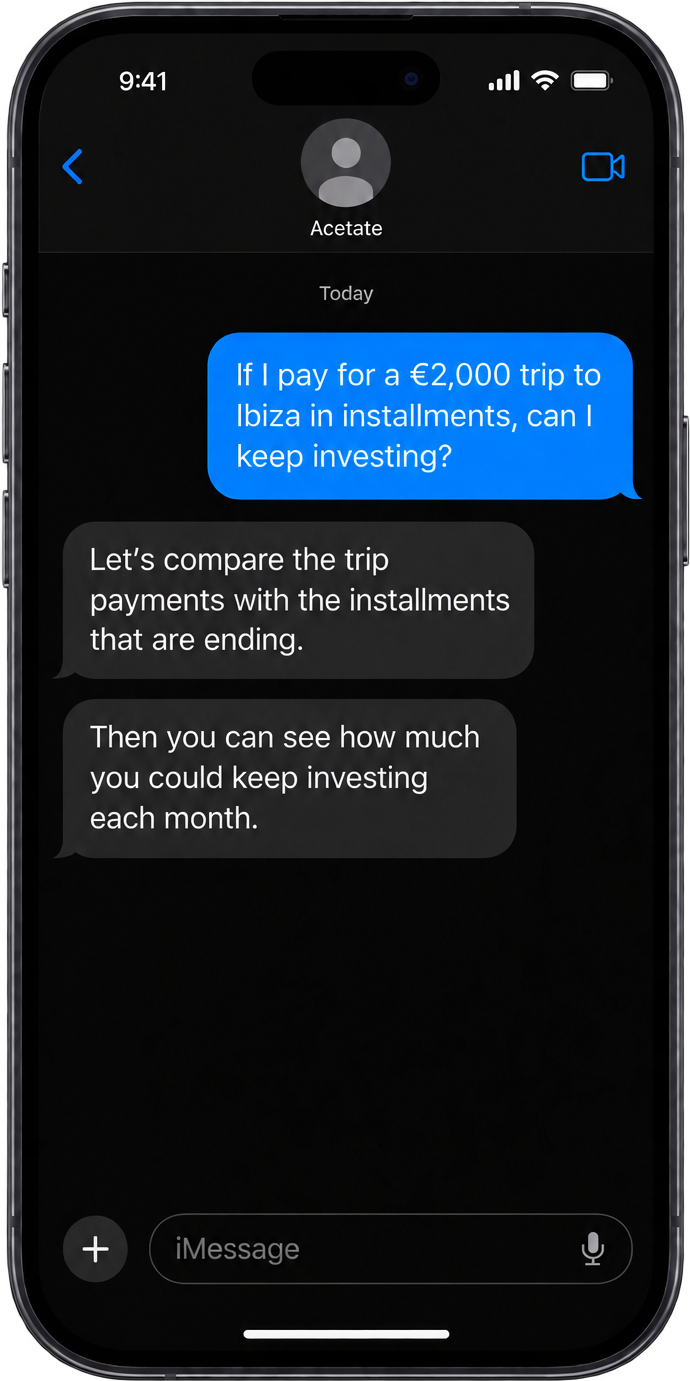
“If I pay for a €2,000 trip to Ibiza in installments, can I keep investing the same amount each month?”
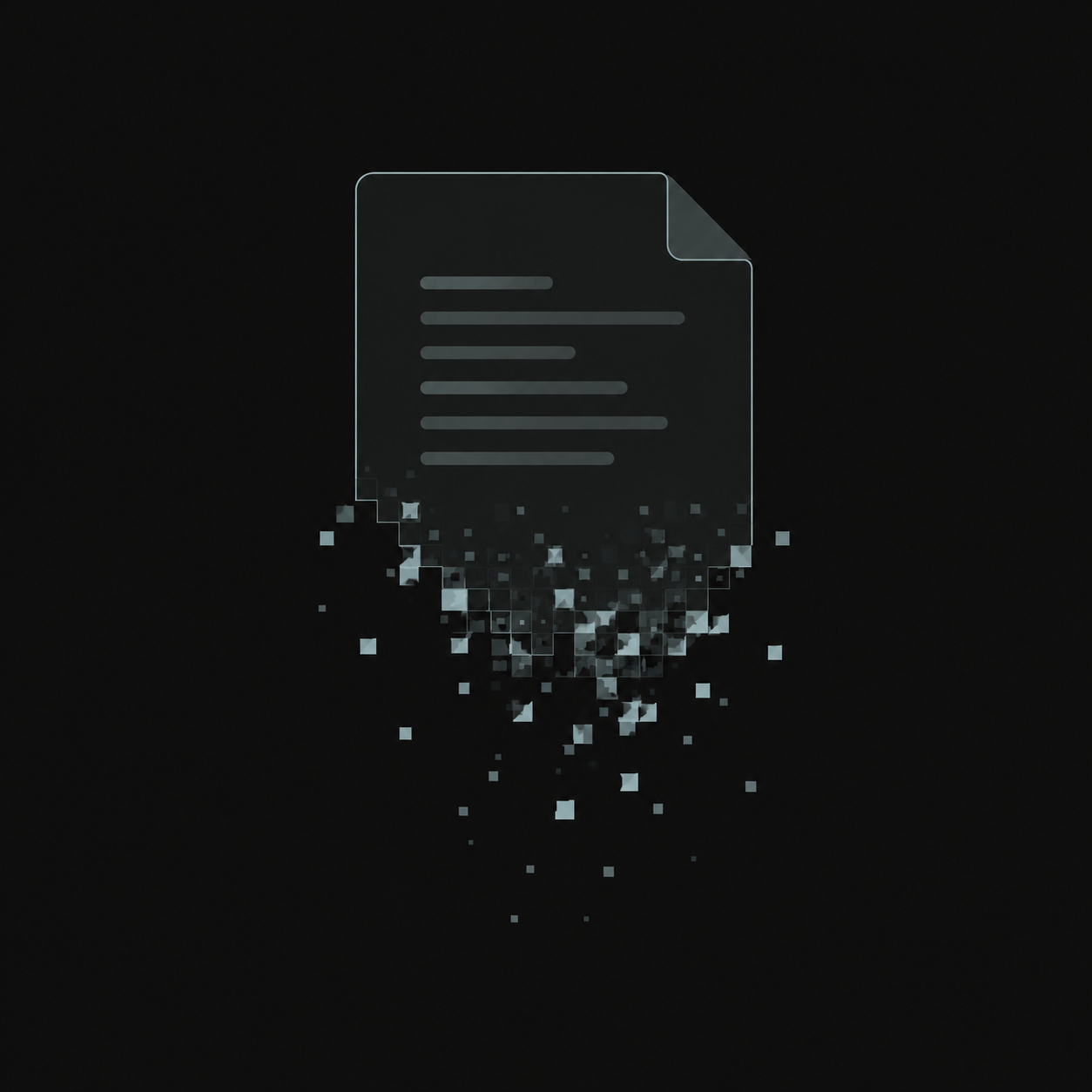
The file goes away. Your history stays with you.
After processing, the PDF is discarded.
Original PDF
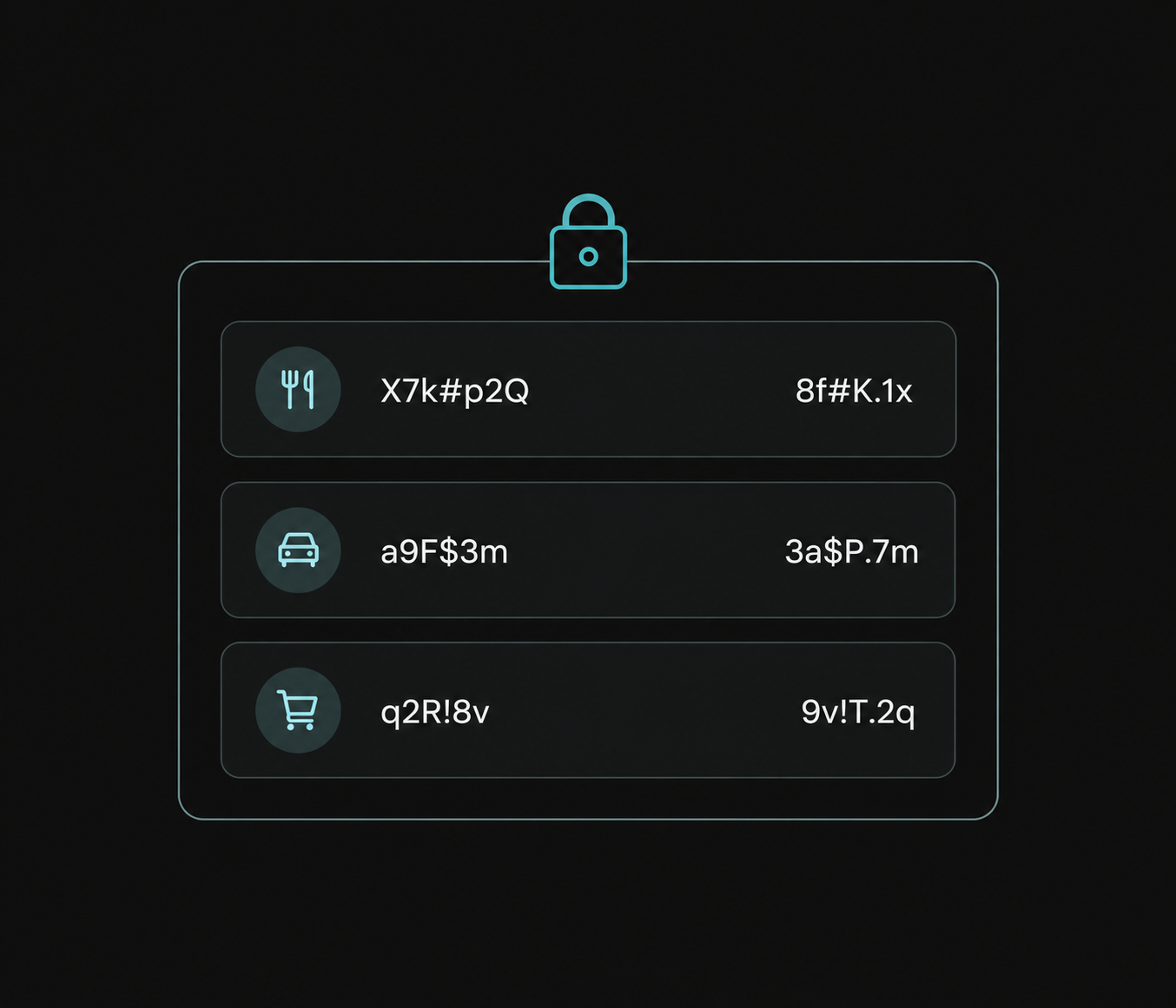
Financial history
End-to-end encrypted in Acetate.
Talk to Acetate. In iMessage or Telegram.
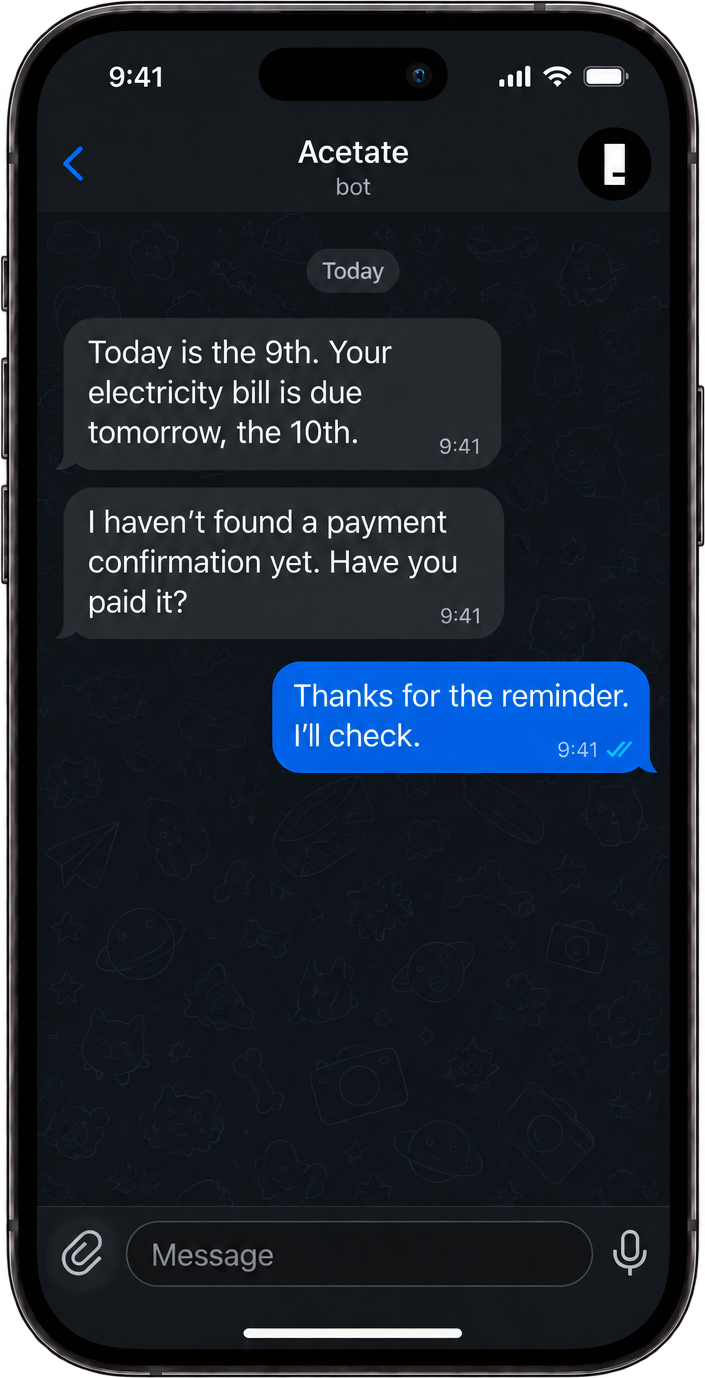
You’ll ask whether the trip fits your budget and get a reminder about tomorrow’s bill. On iPhone or Android.

Telegram
iPhone & Android
Join the beta waitlist.
Still categorizing purchases one by one in a spreadsheet or budgeting app? We want to test Acetate with people who know that routine. Join the waitlist for upcoming invitations.
- Do I need to upload my statements now?
- No. Only your email is required to join the waitlist. Your files come later, when you try Acetate.
- Does joining give me immediate access?
- Not yet. The beta is in development. You’ll receive an email about your signup; invitations to test it will come later.